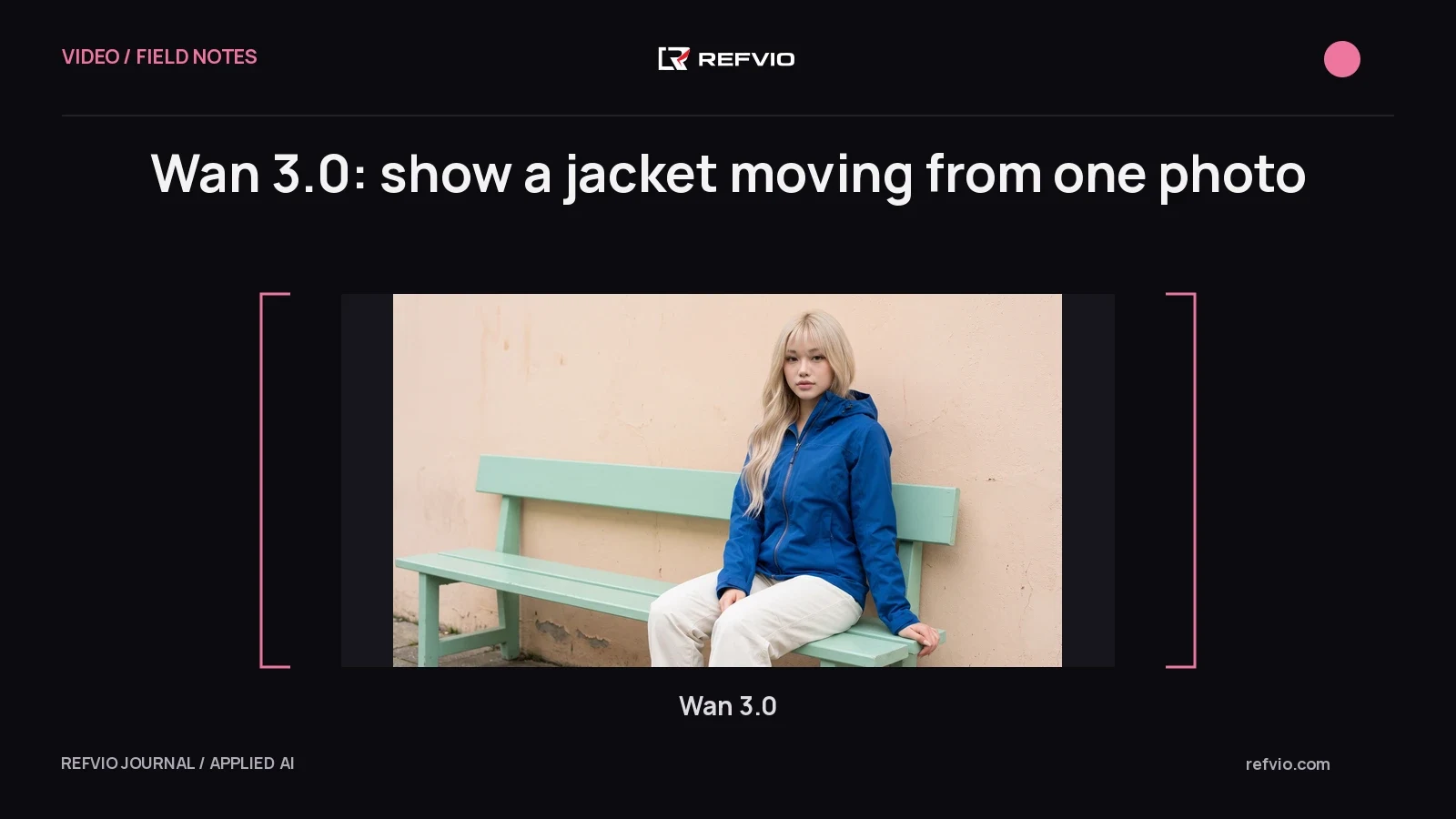
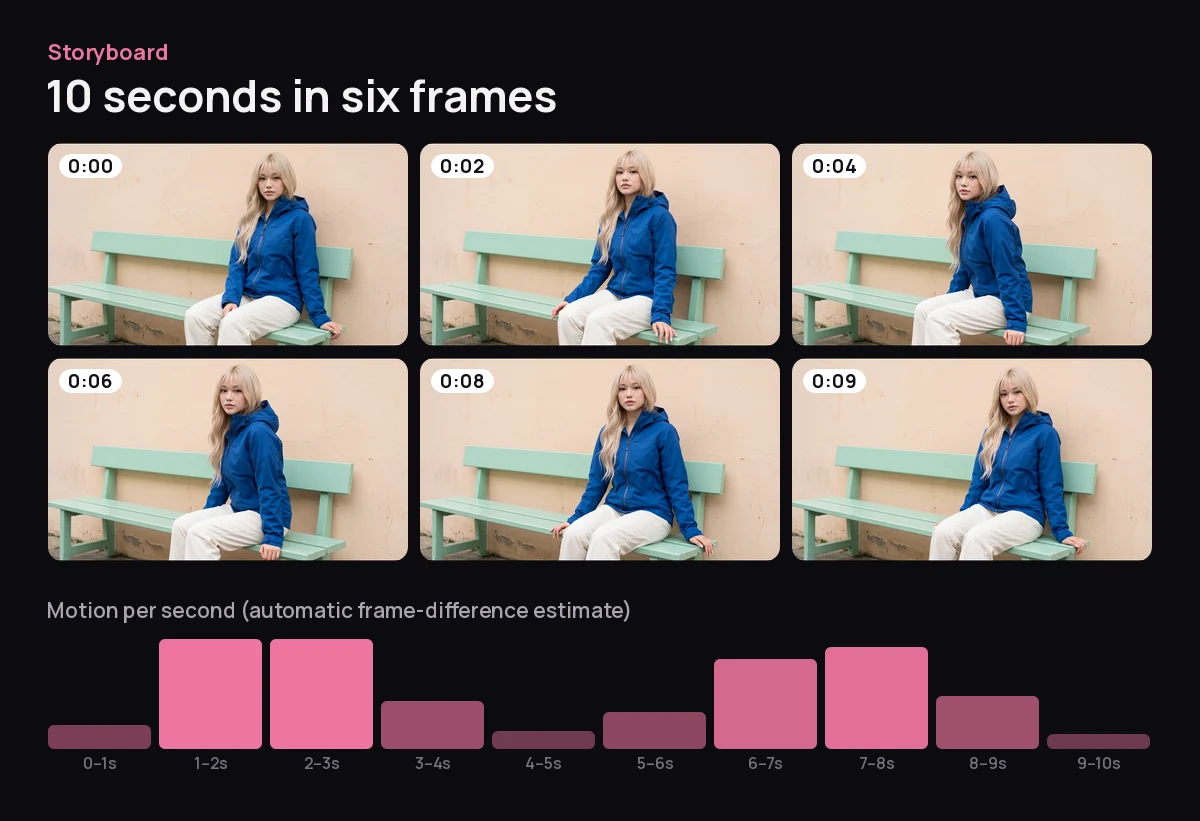
If you need to show how a colored jacket moves, a single good photo does not show the folds over time. In this example, one source frame becomes a short clip: the character makes one slow quarter-turn so the side of the jacket and its fabric movement can be seen. The scene stays quiet, with no color change or cuts.
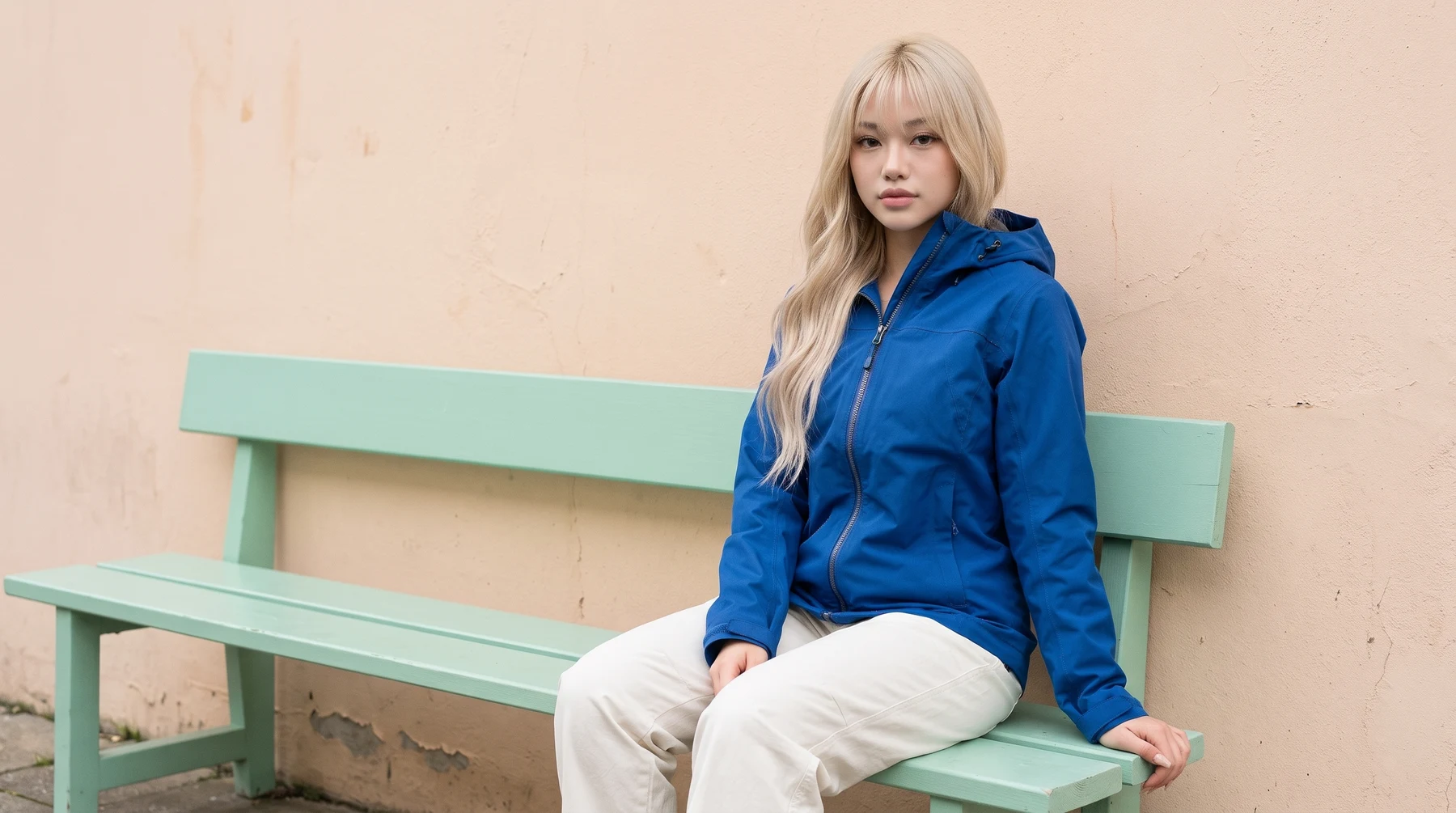
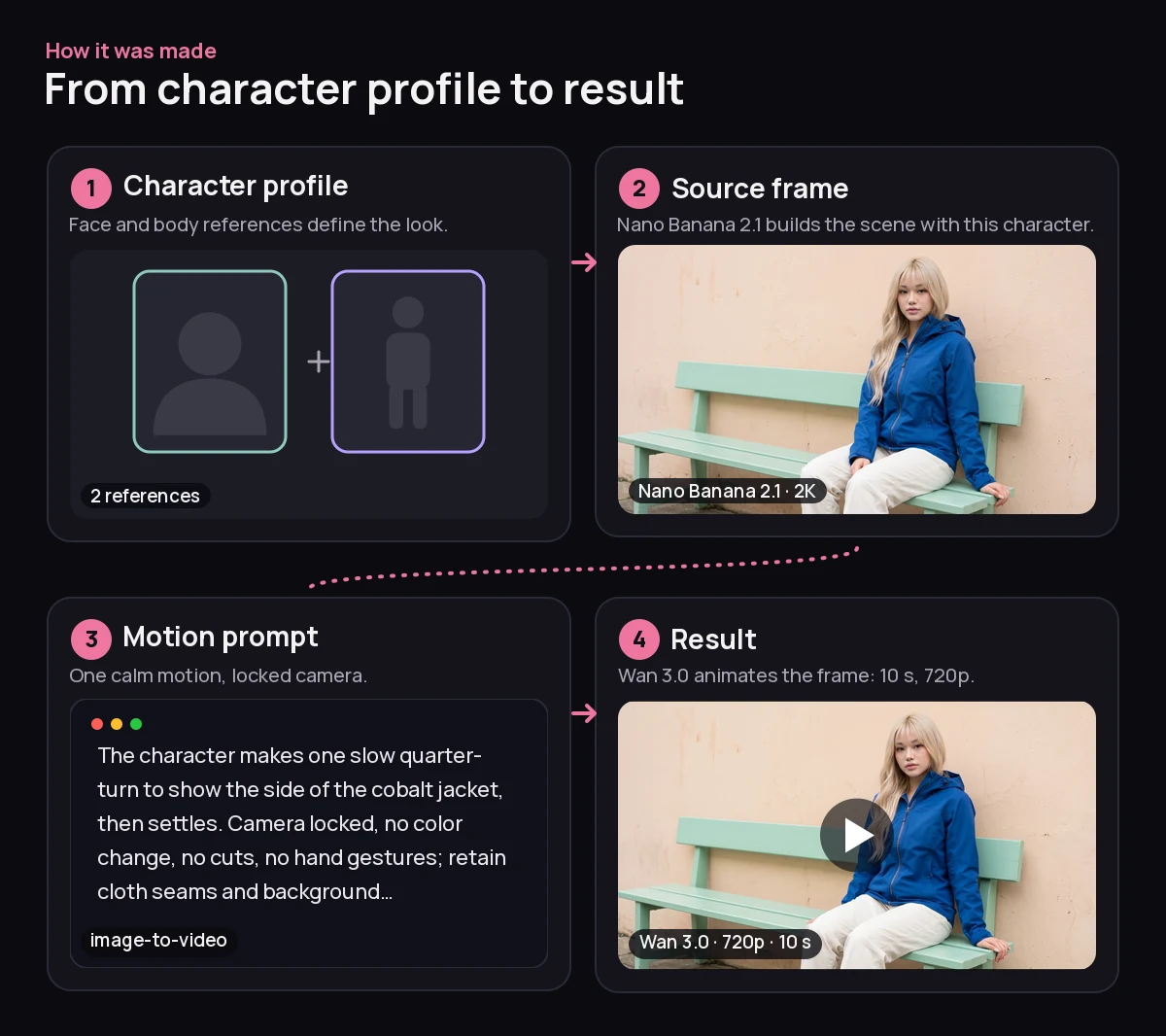
Both the source image and the result are AI-generated in REFVIO with its saved character profile, not camera photographs of a real person. The profile contains face and body references. It is separate from the generator model and is not evidence of custom model training. This example uses Wan 3.0.
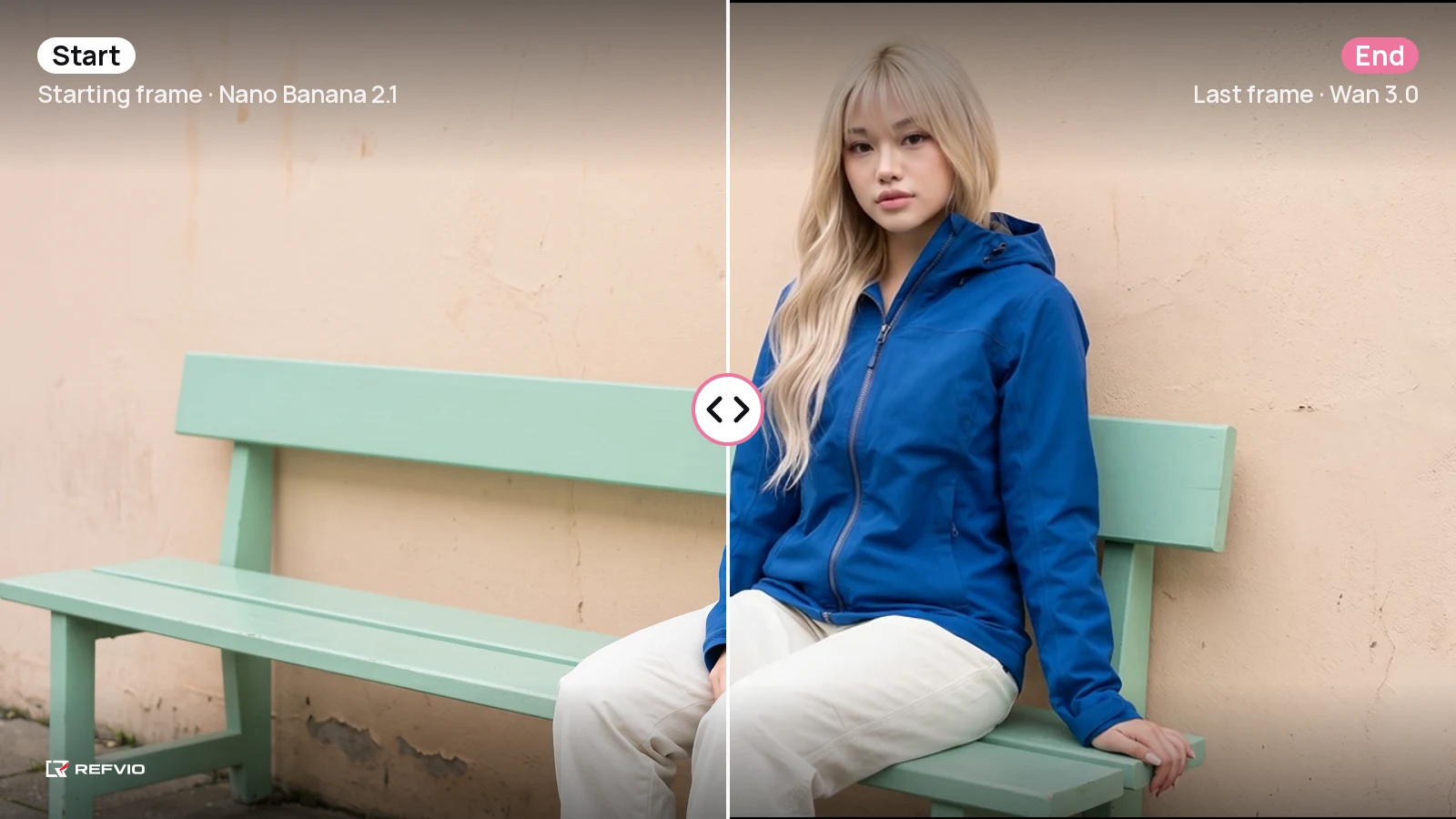
Source and actual generated result
What Wan 3.0 does in this scene
Wan 3.0 receives one generated starting frame and one modest motion instruction. It does not use input video, audio or a separate last-frame reference here. Its job is to turn the image into one continuous silent 10-second clip at 720p in a 16:9 landscape format.
This role fits a clothing demonstration because the starting frame already defines the face, body proportions, jacket, pale wall, bench and composition. The prompt then fixes the camera, the absence of color change and the background geometry. The two practical controls in this example are the type of motion and the preservation instructions. There is one important limitation: generation is not deterministic, so a request to preserve the color, hands or zipper is still a request, not a guarantee.
Nano Banana 2.1 creates the starting frame. It uses the face reference first, the ordinary body reference second, and produces a requested 2K landscape image. Wan 3.0 has a different role: it animates that finished frame. Keep the image generator and the video generator conceptually separate.
Prepare the starting frame for the turn
The frame should show a knee-up, three-quarter clothing view with both arms visible. The scene contains a fully covering cobalt-blue rain jacket, off-white trousers, a quiet pale peach exterior wall and a simple mint bench. The character stands on the right third of the frame.
Treat those details as fixed. The only intended change is one slow quarter-turn followed by a settle. Do not ask the system to change the pose, fabric color, lighting, wall and composition at the same time. A broader request makes it harder to tell which result was actually intended.
Exact prompt for showing the jacket side
The character makes one slow quarter-turn to show the side of the cobalt jacket, then settles. Camera locked, no color change, no cuts, no hand gestures; retain cloth seams and background geometry. Use the supplied starting photograph as the visual source. Preserve the same character, wardrobe, setting, lighting, color grade and lens look. One continuous realistic shot, no scene cuts, no added text or logos. Silent 10-second 16:9 landscape video.
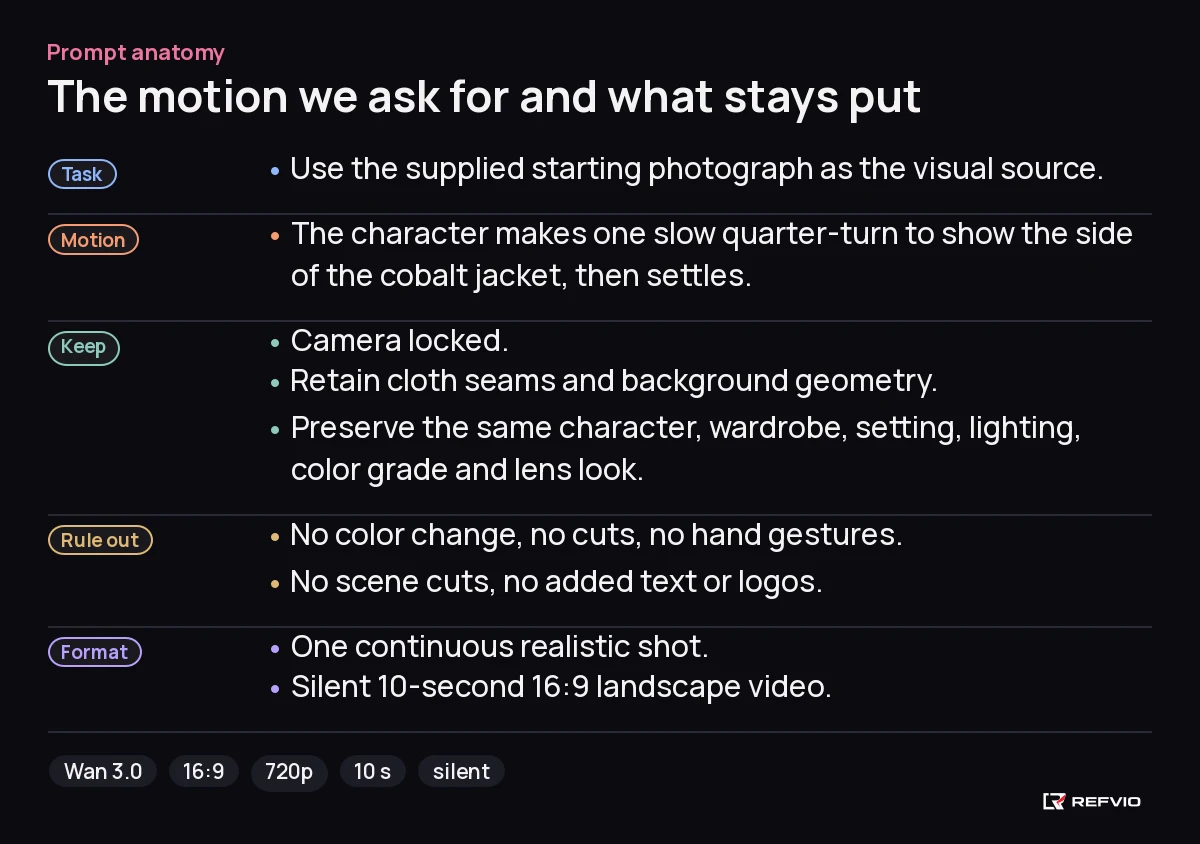
The instruction asks for one slow quarter-turn, a view of the jacket side and a settled ending. The camera should stay locked. The jacket color should not change, and the clip should contain no hand gestures, cuts, added text or logos. It also preserves the character, wardrobe, setting, lighting, color grade and lens look from the starting frame.
A practical REFVIO workflow
- Select Wan 3.0 in REFVIO. Confirm that the task is image-to-video from one frame rather than a request for a new still image.
- Supply the Nano Banana 2.1 image as the starting frame. Check that the jacket, sleeves, zipper and parts of the wall and bench are visible, because those are the details you will compare later.
- State one motion and its pace. “One slow quarter-turn” is more useful than “show the jacket in motion” because it gives the generator a defined action.
- Keep the invariants in the instruction: cobalt color, seams, zipper, sleeves, background, lighting, camera position and no hand gestures. These constraints help, but they do not remove the need for inspection.
- Apply the supplied settings: 16:9, 720p, 10 seconds and silent audio. These are requested output settings, not a measurement of the final clip’s quality.
- Compare the beginning, middle and end with the source frame. Check whether the blue stays consistent, whether the zipper and sleeves hold their shape during the turn, and whether the wall or bench shifts without being asked to move.
Common checks and a narrower next prompt
Start with the jacket color across the whole clip. Then inspect the zipper and sleeve edges during the turn. Hands should not develop extra gestures, while the bench and wall should remain part of the same scene. Do not assume that a defect is absent; compare the frames directly.
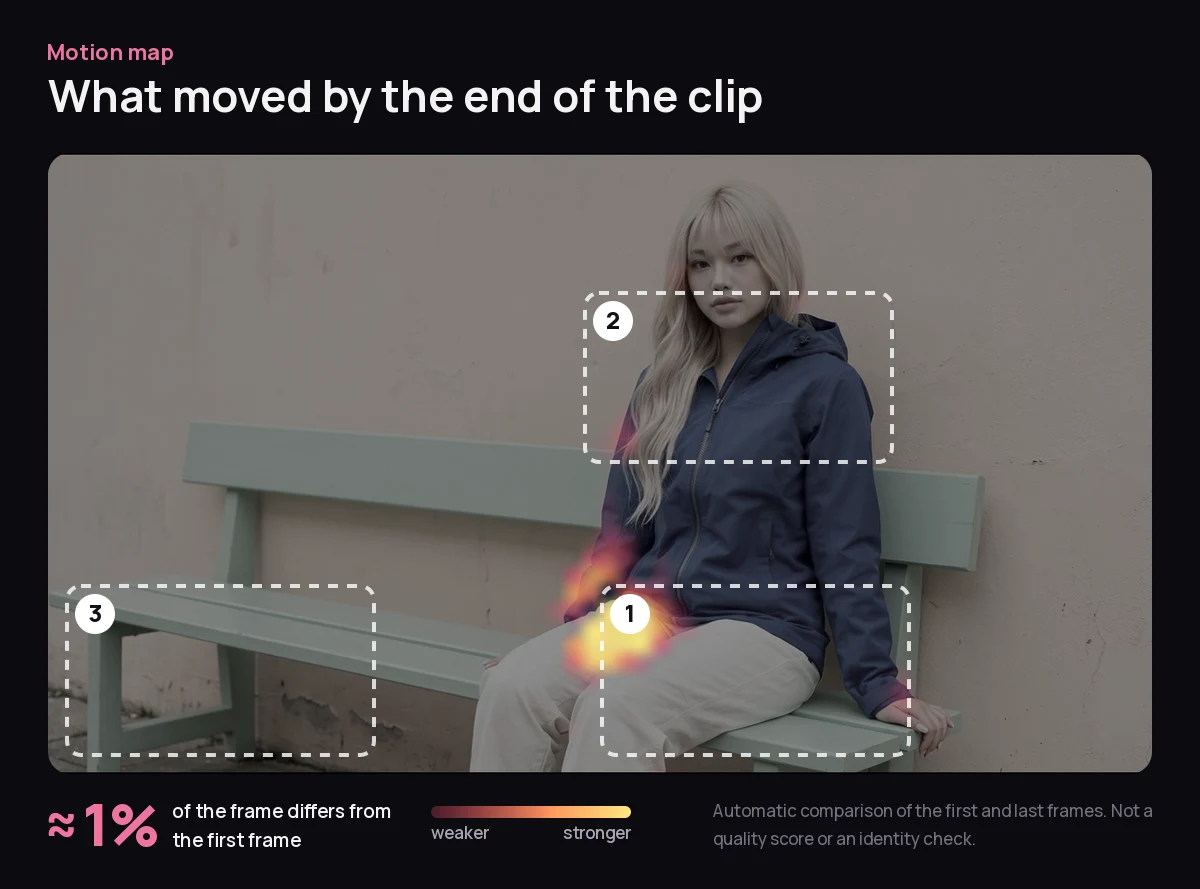
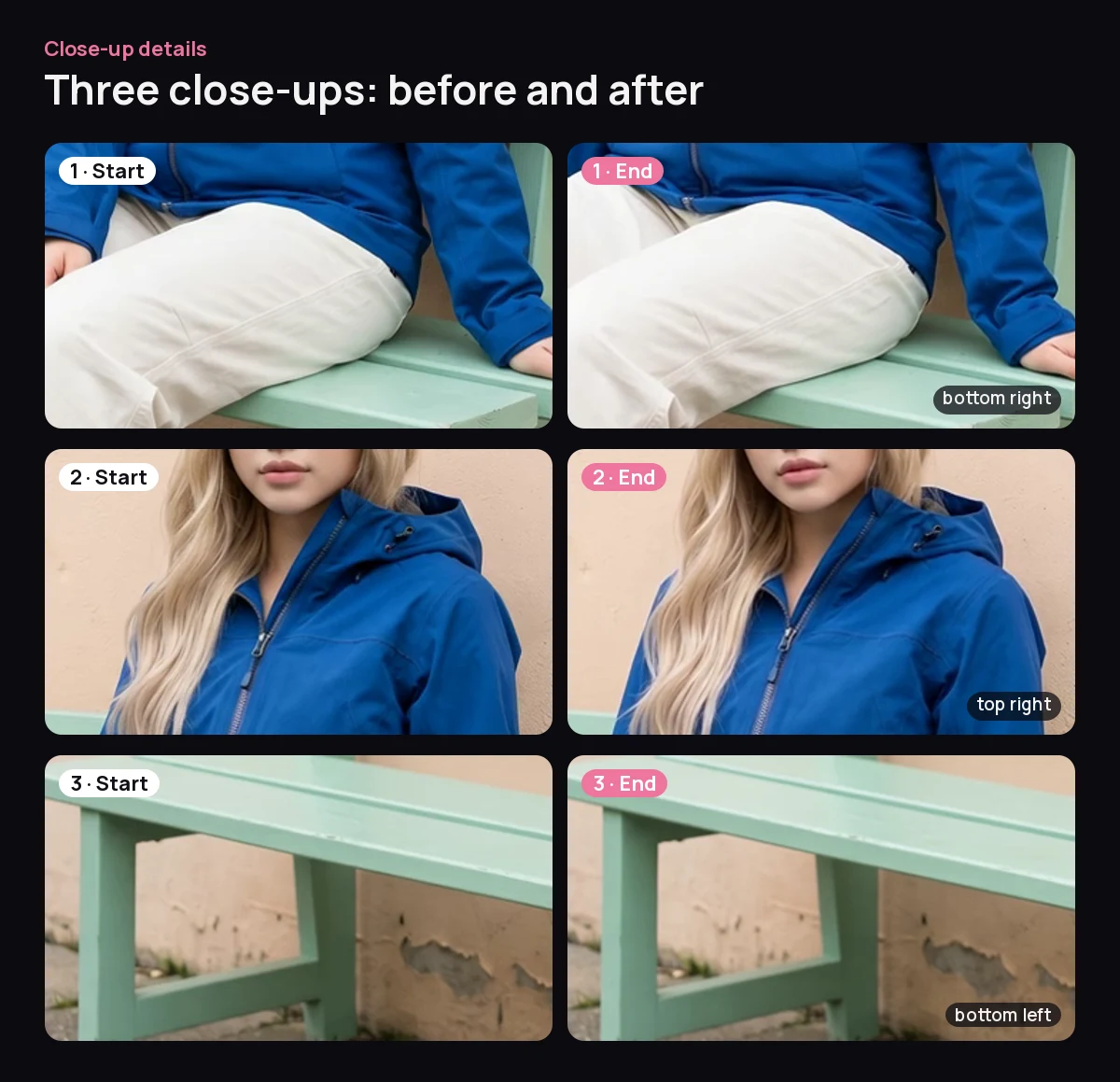
A weak instruction for this scene would be: “Make the person show the jacket in an impressive way.” It leaves too many decisions open. A better one is: “Make one slow quarter-turn to the right, keep the camera locked, and preserve the jacket’s blue color, zipper, sleeves and background.”
If an unwanted detail changes, narrow the next instruction instead of adding unrelated effects. For example, ask to preserve the original blue tone and zipper position while keeping the same motion. The next step is compact: choose Wan 3.0, load the starting frame, paste the prompt, and inspect the start, turn and settling moments.