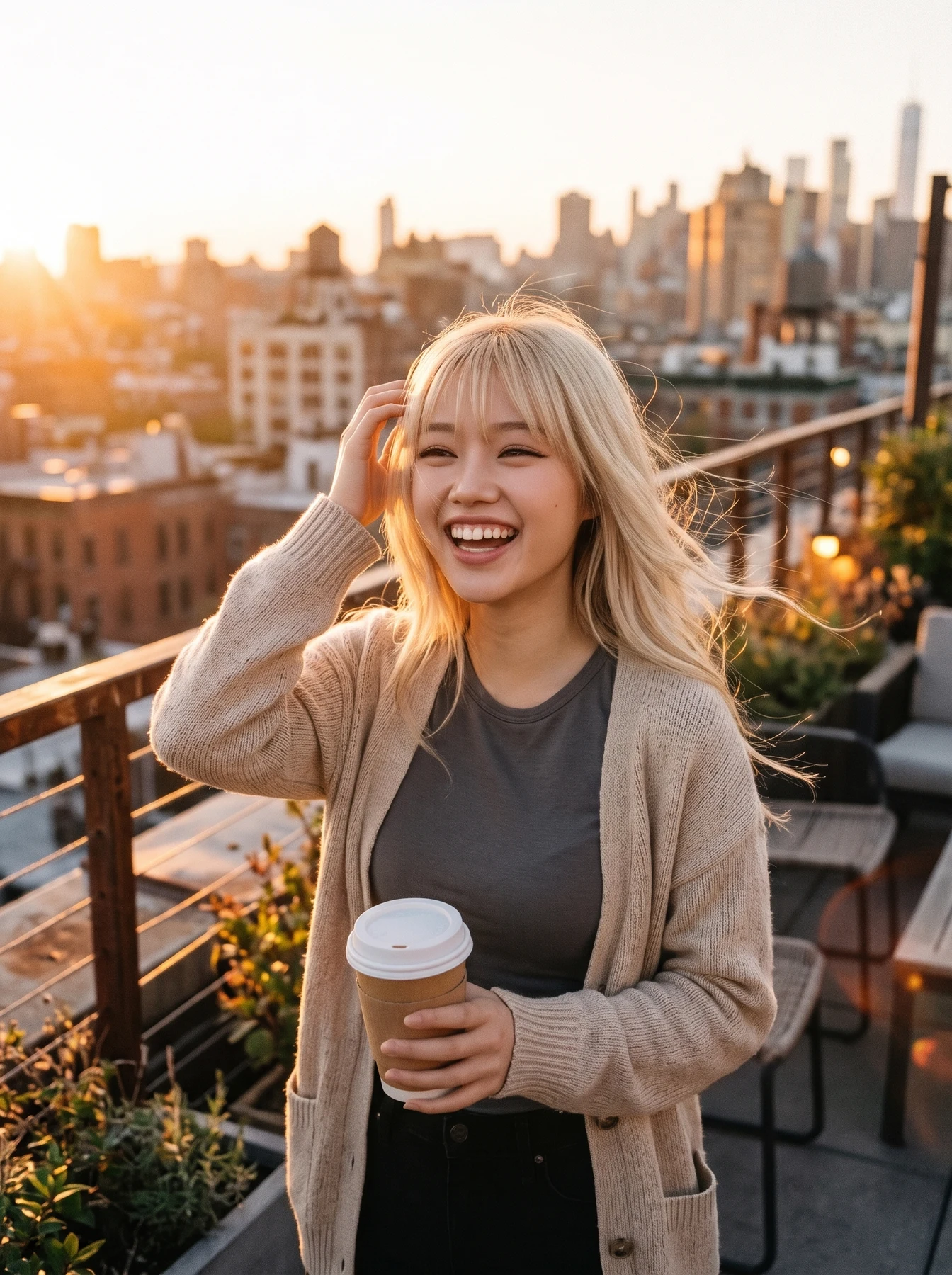
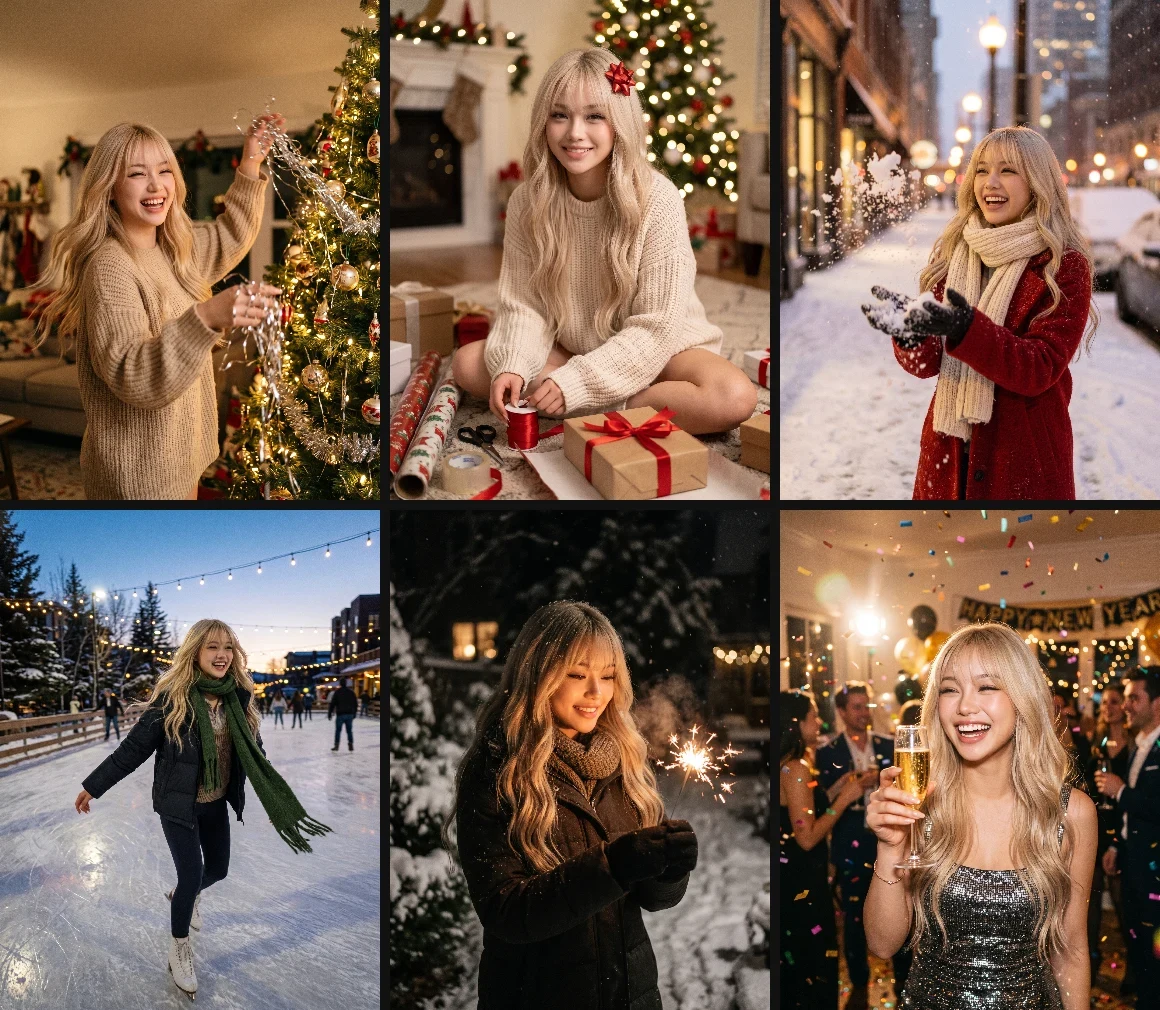
A New Year card or a photo series usually needs one thing: the same woman in every shot, not six similar-looking girls. Below are six lively holiday scenes made in Nano Banana 2.1 from one set of references, and a list of what to check before you publish.
All images were generated in REFVIO with a fictional character, not photos of a real person.
How we made them
For every shot we used the same two references: a face close-up and a full-body shot. Model Nano Banana 2.1, "From description" mode, 3:4, 2K. One image costs 12 credits, six images 72 (cabinet price on 16 November 2026). The prompt describes only the scene and ends with the line "Keep her face and hair identical to the reference photos".
Prompt template: "Candid photo of the woman from the reference photos [scene]. Keep her face and hair identical to the reference photos."
Six scenes
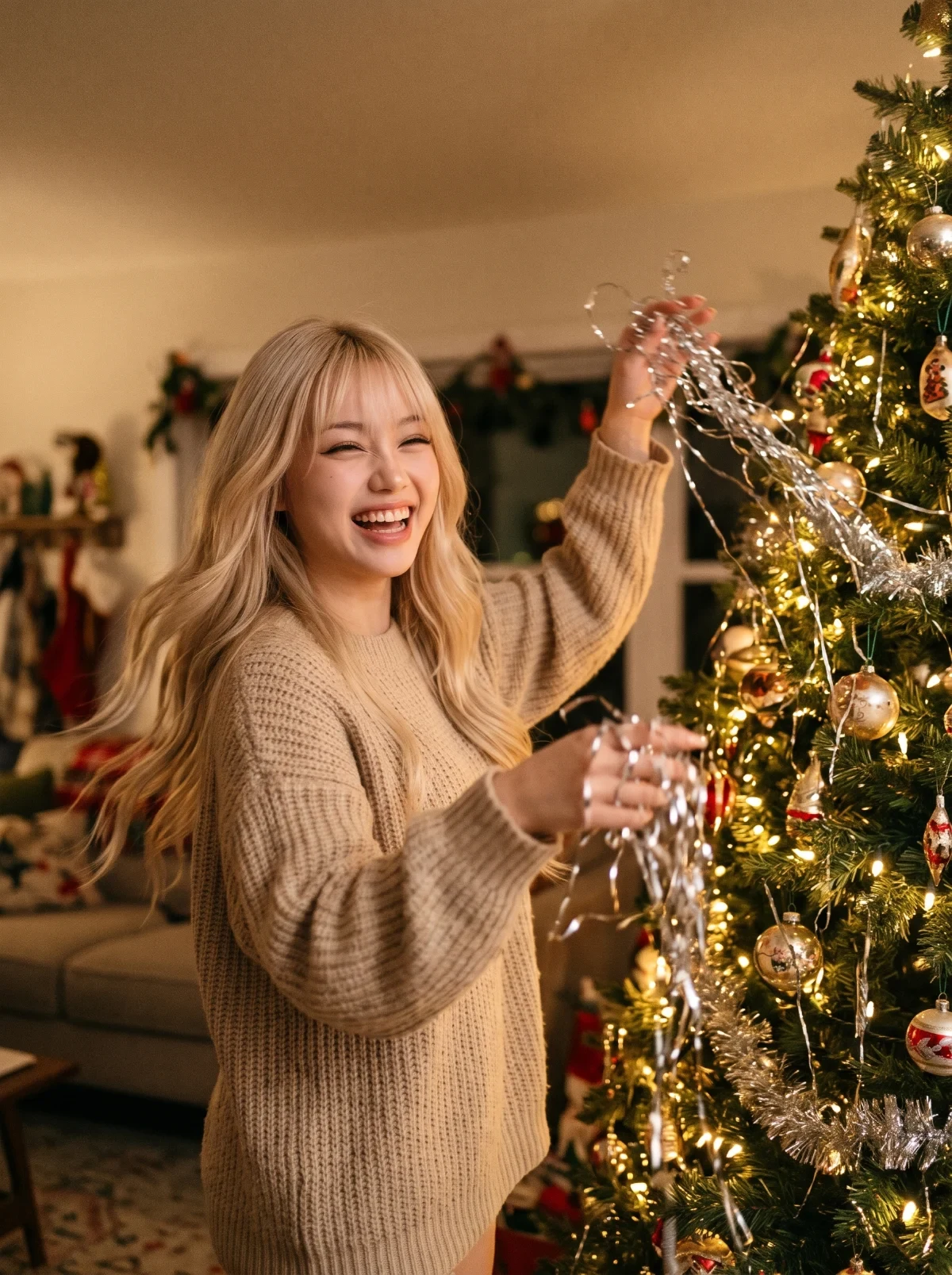
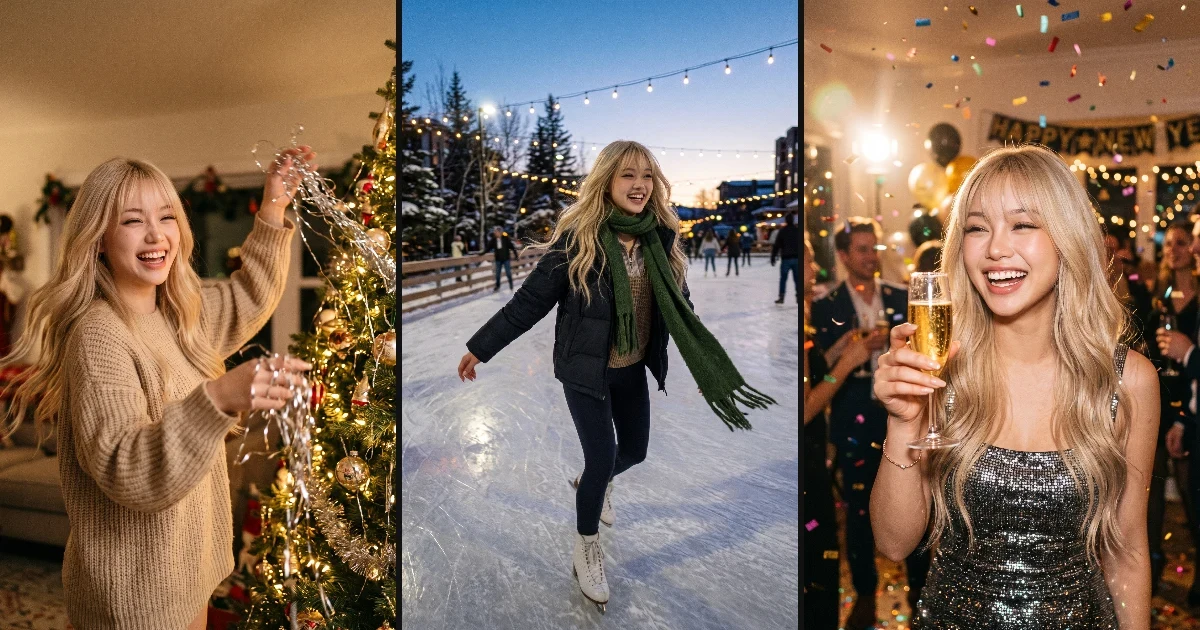
Scene: laughing as she throws silver tinsel while decorating a big Christmas tree in a cosy living room, warm lights, hair moving.
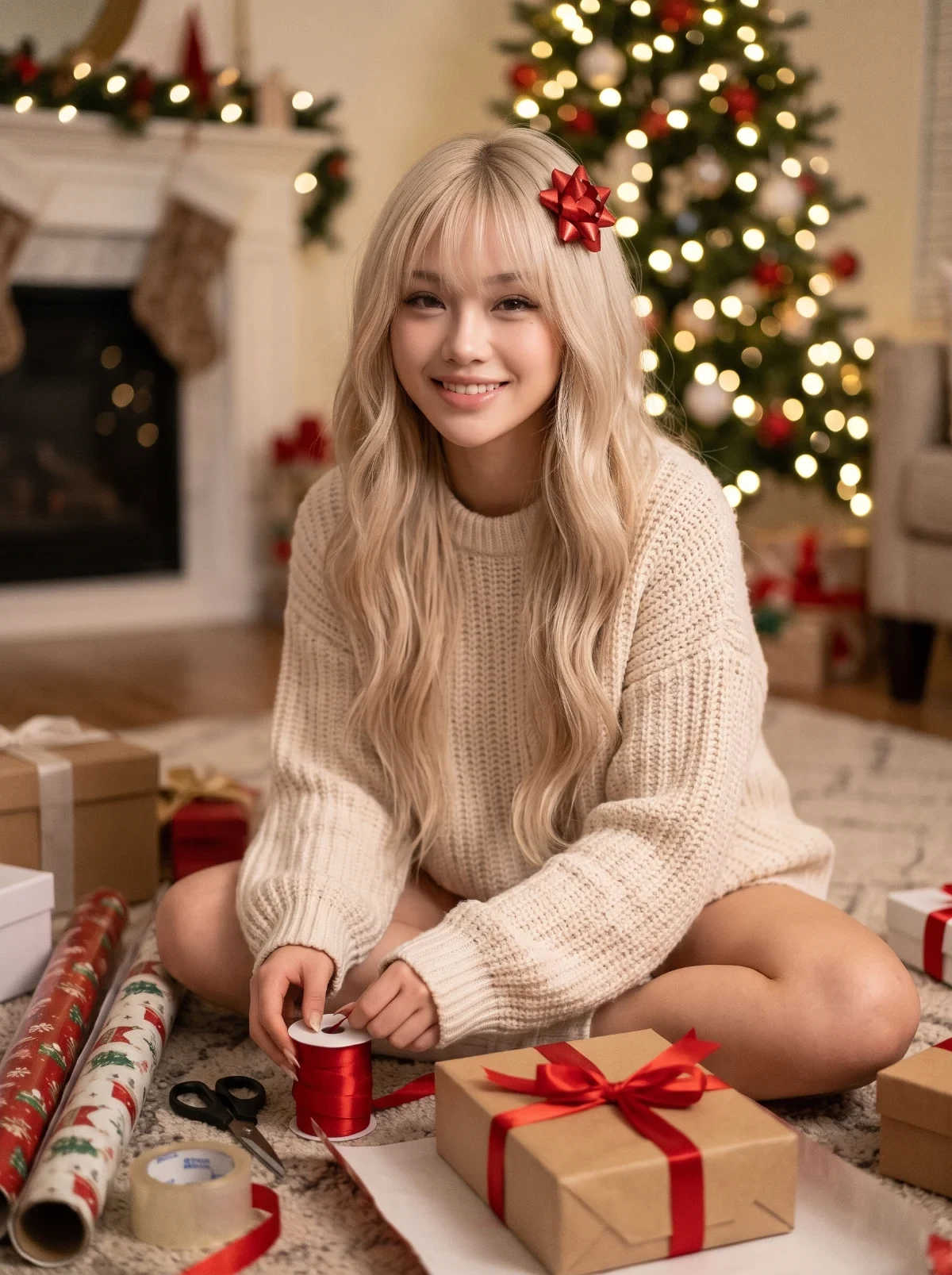
Scene: sitting on the floor wrapping gifts with red ribbon, tree lights glowing behind her, smiling and looking at the camera, a paper bow in her hair, cosy sweater.
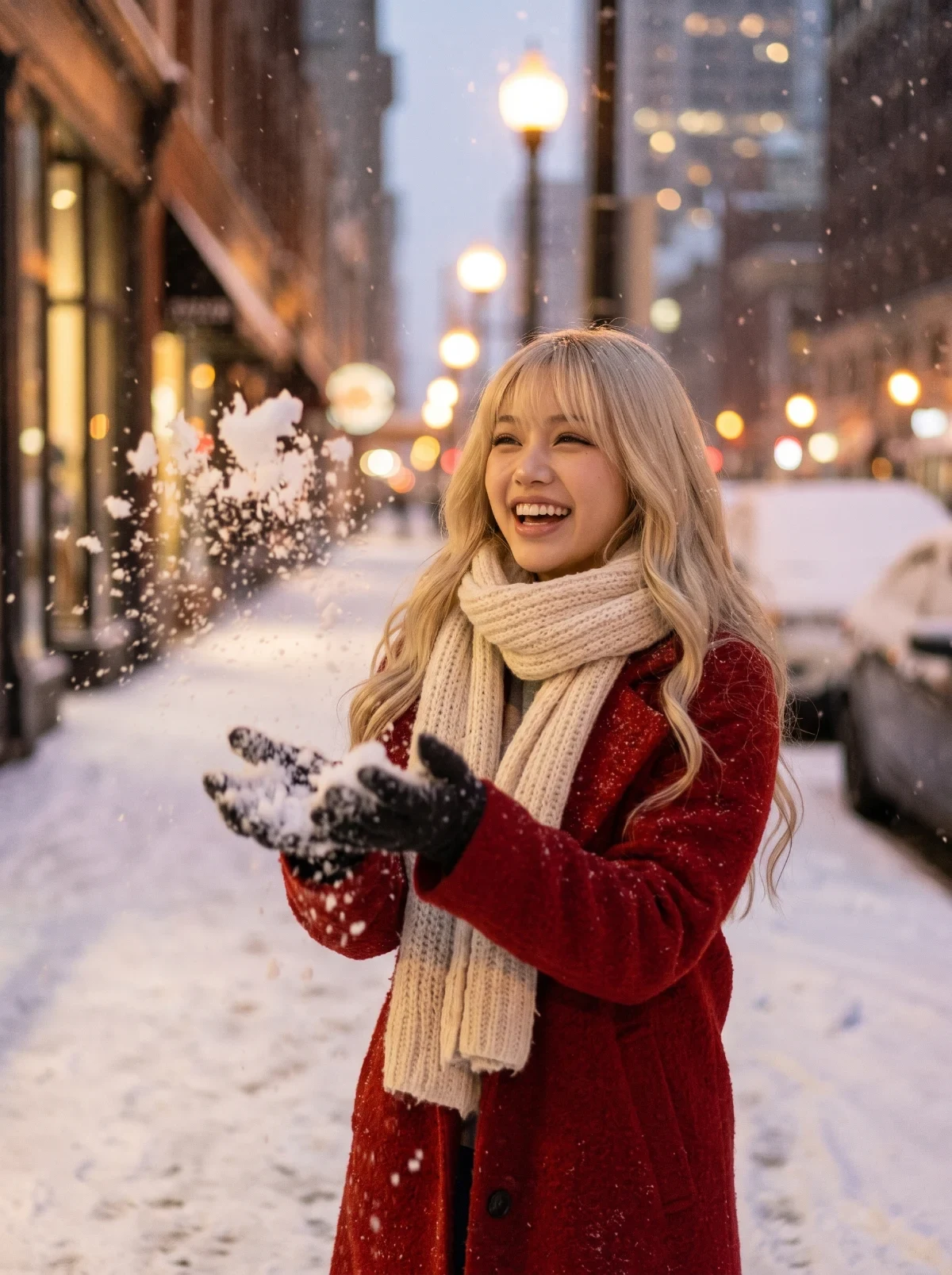
Scene: on a snowy city street in the evening, wearing a red wool coat and a cream scarf, laughing and tossing a handful of snow into the air.
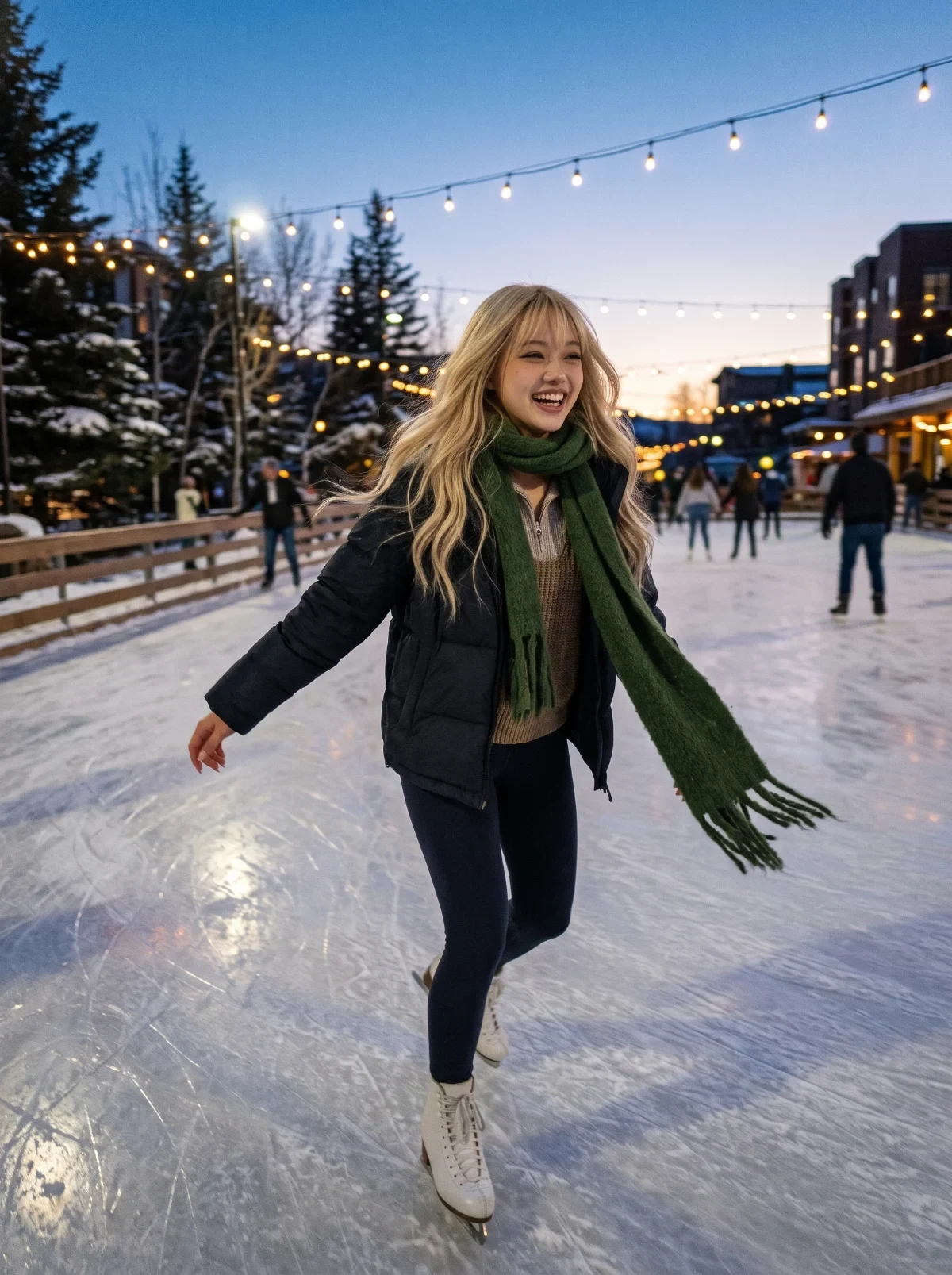
Scene: ice skating at an outdoor rink at dusk, mid-glide with one arm out, laughing, string lights above, scarf flying, slight motion blur.
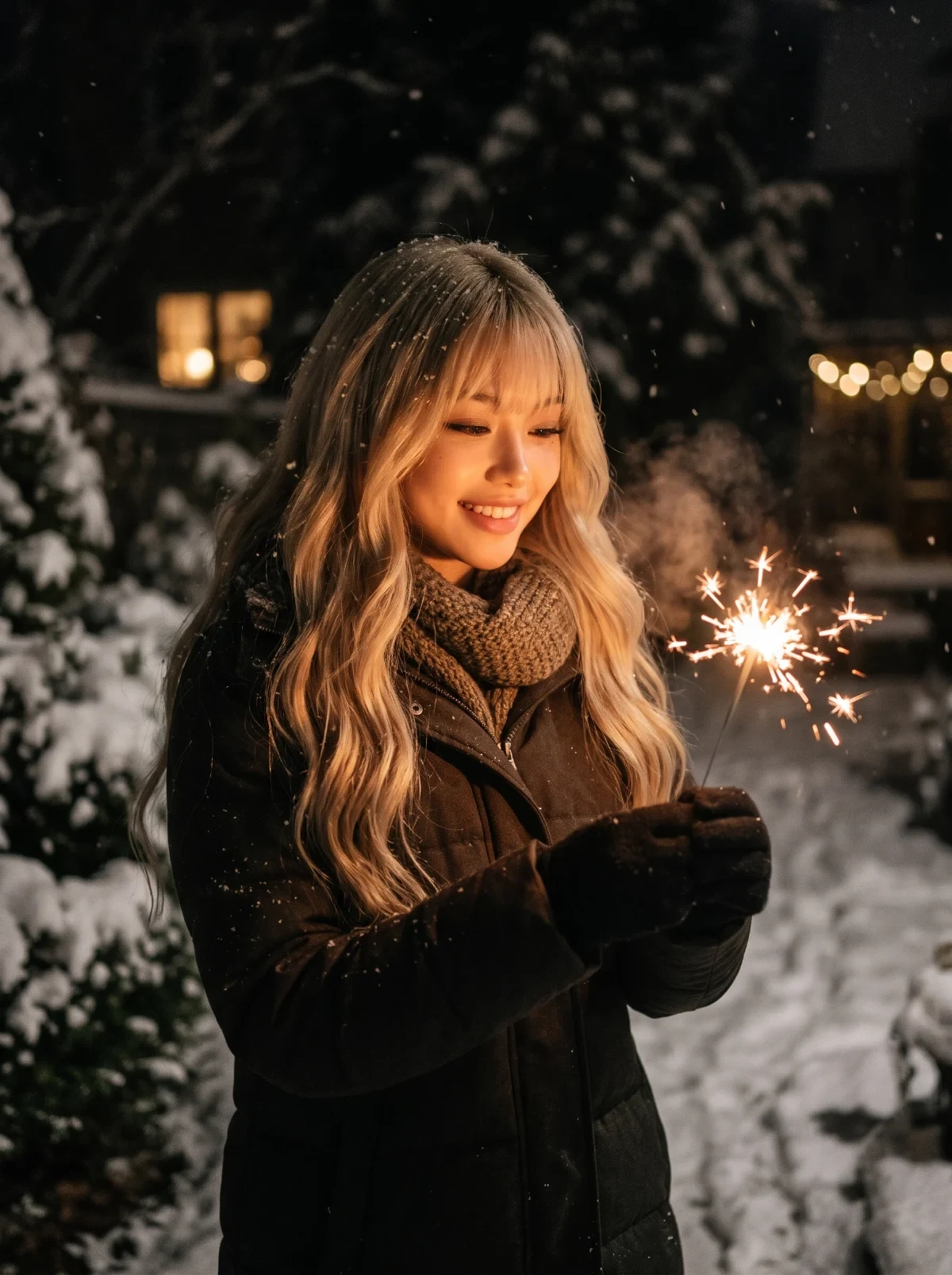
Scene: holding a sparkler in a snowy garden at night, joyful and looking at the sparks, warm light on her face, breath visible in the cold air.
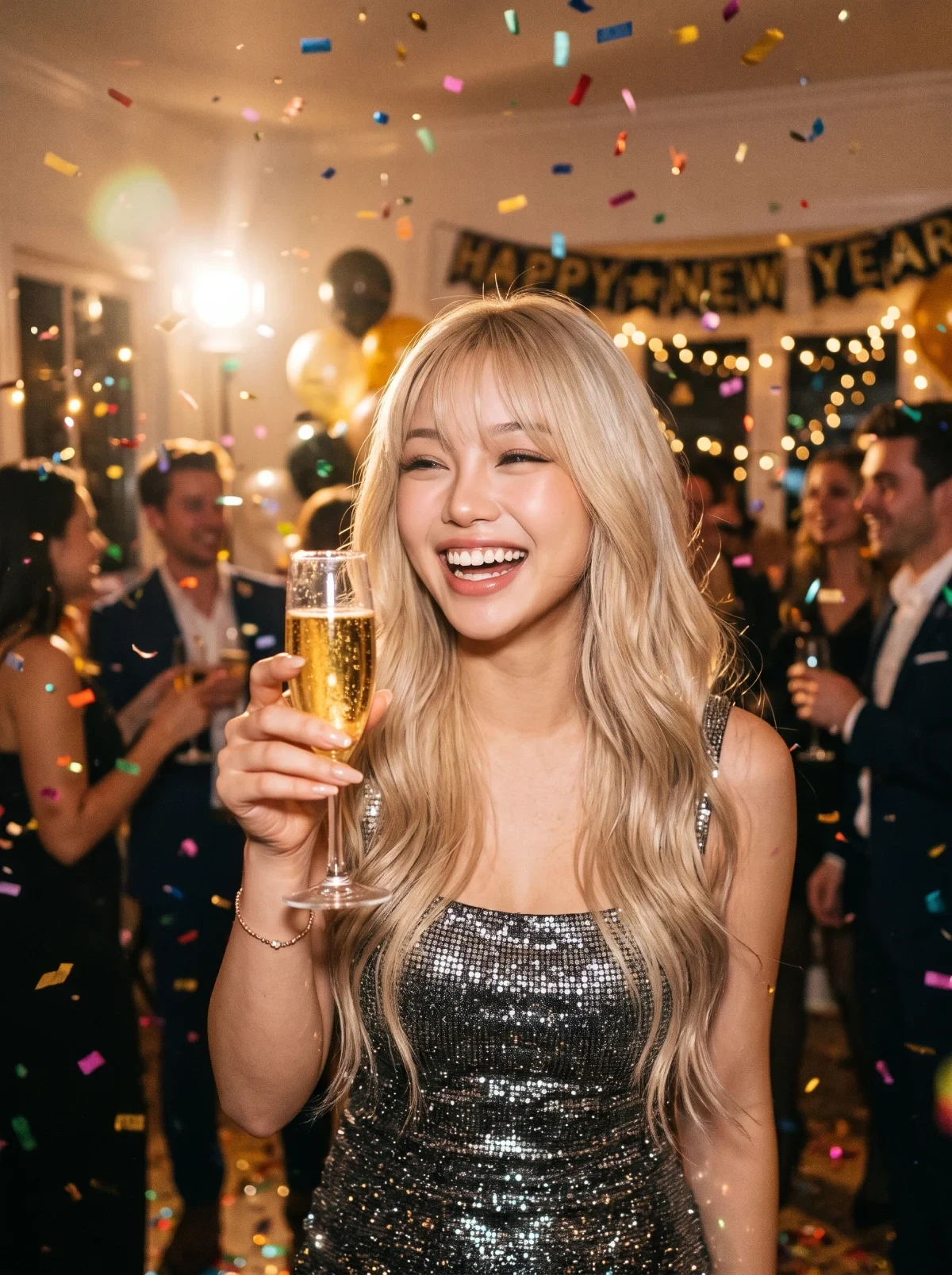
Scene: at a New Year's Eve party, confetti falling, laughing and raising a glass of sparkling juice, glittery dress, warm festive lights, caught mid-laugh.
What came out and what to fix
- The face reads as one person across all six shots, in our judgment. This is one run per scene, not statistics.
- In the sparkler shot the face is at an angle and partly in shadow, so the likeness is hardest to check there. For a card, pick a shot where the face is clear.
- The party prompt said "sparkling juice", but the glass looks like champagne. The model does not always hold such details: if it matters what is in the glass, check the shot.
- At the party the model drew people in the background and a "Happy New Year" banner. Those people are invented, not real. Lettering in the background can come out wrong, so check the letters.
- Hands with snow, tinsel and a sparkler need a separate look: fingers break most often in exactly such shots.
How to build a card or a series
- Prepare two references: a face close-up and a full-body shot. In REFVIO they live in the character profile.
- Pick 4–6 scenes. Change only the scene; keep the template and the face line as they are.
- Ask for a lively action: a laugh, motion, an object in her hands. Static poses look like stock photos.
- Put the shots side by side and compare the face, hair colour and hands.
- Add the card text (greeting, year) in your own editor, not with the model: that avoids garbled letters.
Rules
- Work with a fictional character, or with your own photos and the consent of the people in them. A real person's photo without their consent must not be used for a card.
- Mark AI content with the platform label if there is one, and do not pass the picture off as a photo of a real event.
- Do not add other brands or logos.
What to do next
Take your own character, make three holiday scenes from the template above and put the shots side by side. If the face drifts, cut the prompt down to one detail of the scene.